

Download GifBooster – Free Browser Add‑on to View Animated GIFs on Facebook
Overview
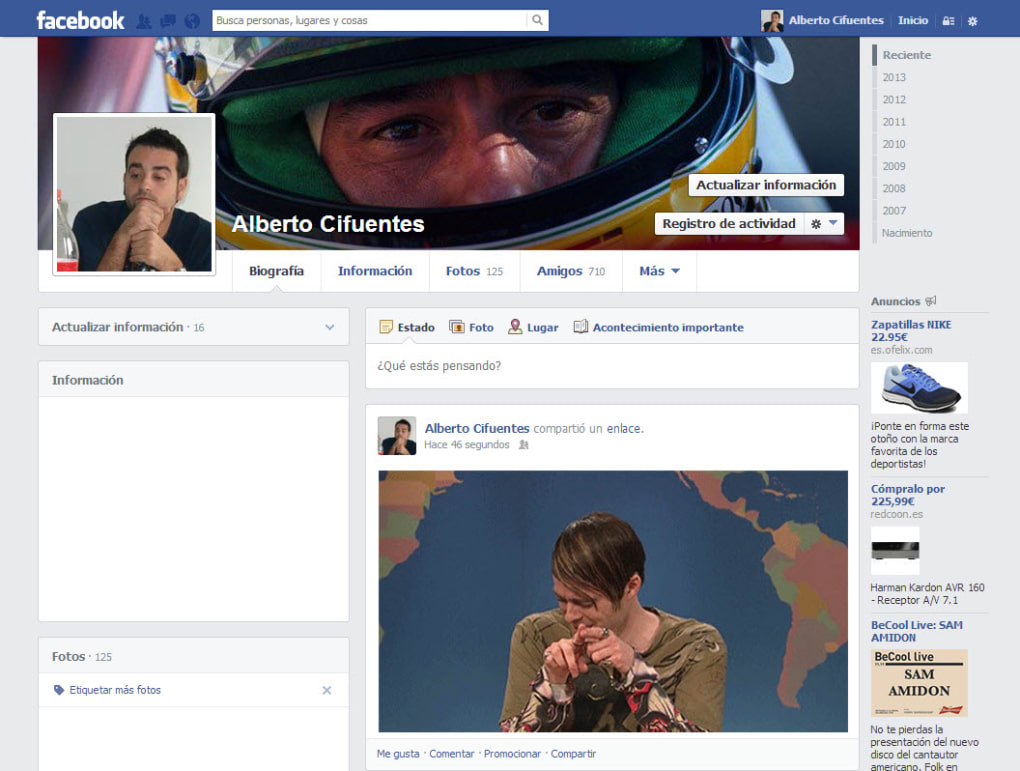
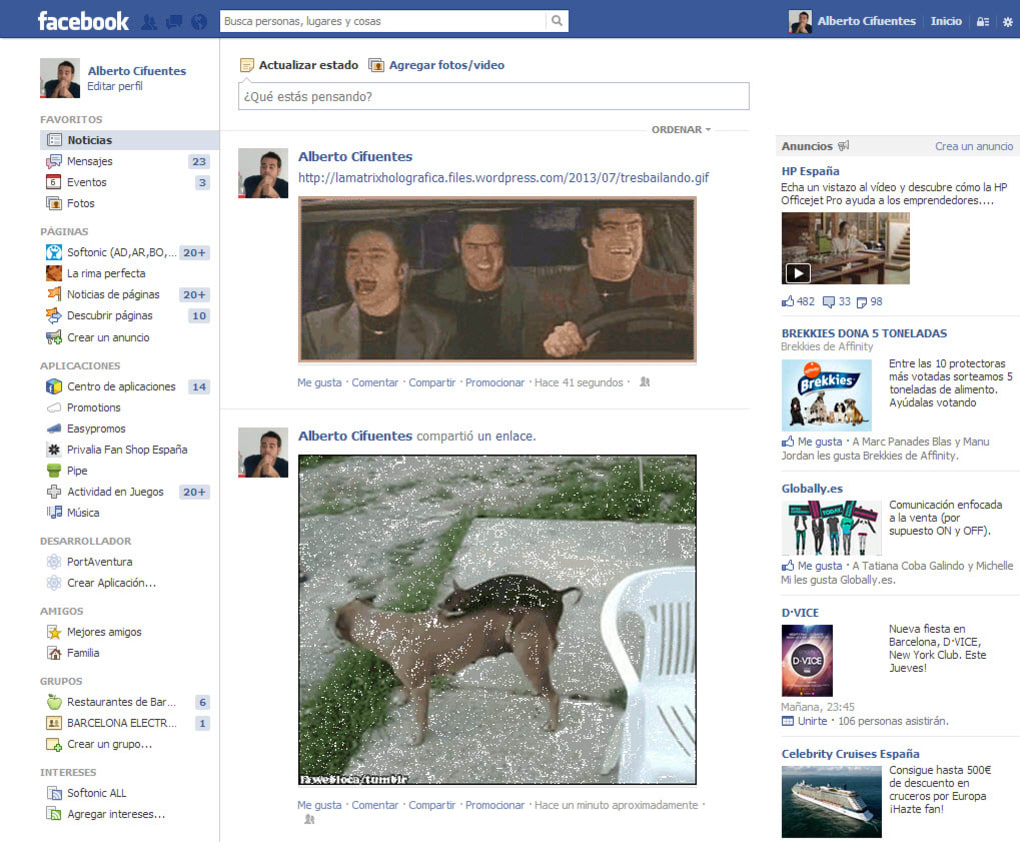
GifBooster is a lightweight browser add‑on that unlocks the hidden potential of animated GIFs on Facebook. By default, Facebook strips motion from GIF links, displaying only a static thumbnail. GifBooster injects a small piece of JavaScript into the page, allowing the original animation to play directly in your news feed and on your wall.
The extension works across the most popular browsers—Firefox, Chrome, Internet Explorer, Opera, and Safari—so you can enjoy seamless animation regardless of your preferred platform. Installation is a one‑click process, and the add‑on runs silently in the background, consuming negligible system resources. Once installed, any GIF shared by your friends will automatically animate, turning mundane links into lively, expressive content.
This makes conversations more vivid, memes funnier, and reactions more immediate. While the primary benefit is visual, GifBooster also supports the occasional GIF upload directly from your browser, letting you share moving images without needing third‑party hosting services. The tool is free, regularly updated to stay compatible with browser changes, and respects privacy by not collecting personal data.
In short, GifBooster fills a niche that Facebook itself has neglected, delivering a simple, secure, and enjoyable experience for anyone who loves GIF culture.
Key Features
- Instant animation of GIFs posted on Facebook feeds and timelines.
- Cross‑browser compatibility (Firefox, Chrome, IE, Opera, Safari).
- One‑click installation with automatic updates.
- Zero‑impact performance – minimal CPU and memory usage.
- Secure operation – no data collection or ad injection.
- Supports uploading GIFs directly from the browser.
- Customizable settings to enable or disable animation per site.
- Open‑source codebase for community transparency.
Why These Features Matter
Animated GIFs have become a universal language on the internet, expressing emotions faster than words. However, Facebook’s native handling strips away this expressiveness, turning a vibrant meme into a static image. GifBooster’s core feature—restoring animation—re‑establishes that visual dialogue.
Cross‑browser support ensures that whether you browse on a Windows PC, a Mac, or even an older Internet Explorer setup, you won’t miss out on the fun. Automatic updates keep the add‑on functional as browsers evolve, removing the headache of manual patches. Because the extension runs in the background with negligible resource consumption, it won’t slow down your browsing or drain battery life on laptops.
Security is paramount; GifBooster does not track your browsing habits or inject third‑party ads, preserving the integrity of your Facebook experience. The ability to upload GIFs directly from the browser streamlines sharing, eliminating extra steps like using external hosting services. Customizable site‑specific settings give power users control over where animations appear, preventing accidental overload on work‑related pages.
Finally, the open‑source nature invites community contributions, ensuring the tool stays relevant and trustworthy.
Installation & Usage Instructions
Step‑by‑Step Installation
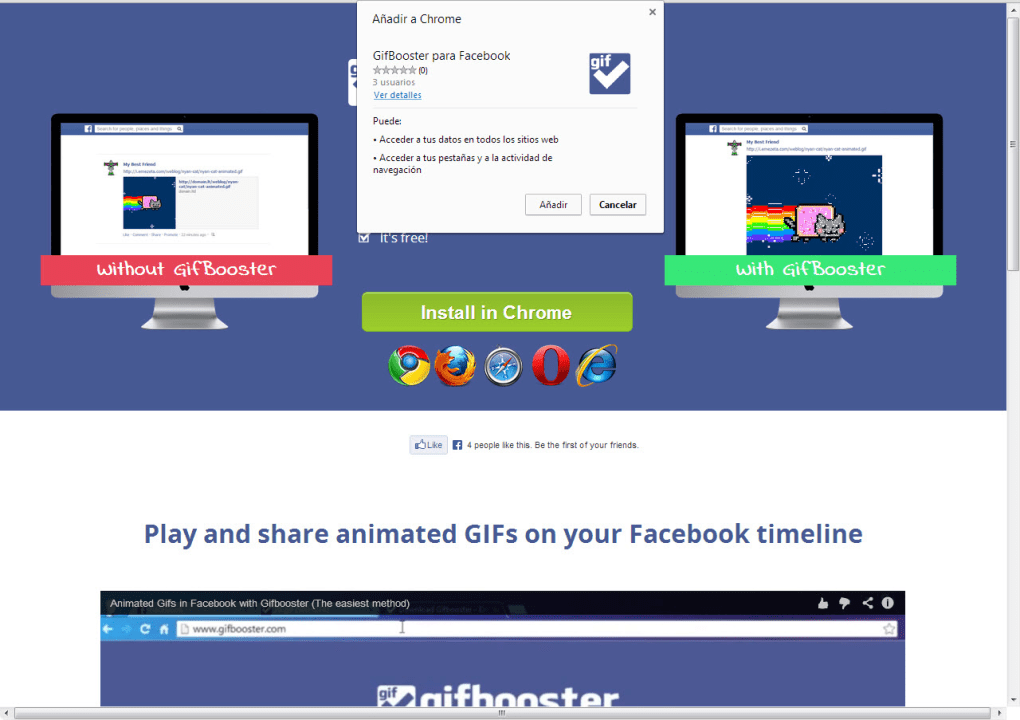
- Visit the official GifBooster download page or the Chrome Web Store/Firefox Add‑ons site.
- Click the “Add to Chrome/Firefox/…” button. Your browser will prompt you to confirm the installation.
- Accept the permissions request (the add‑on only needs permission to read and modify Facebook pages).
- After the download completes, the GifBooster icon appears in your toolbar, indicating a successful install.
- Refresh any open Facebook tab. Animated GIFs will now play automatically.
How to Use GifBooster Daily
Once installed, GifBooster works silently. When you scroll through your news feed, any GIF link will animate in place. If you prefer to disable animation for a specific post, click the GifBooster icon and toggle the “Pause animation” option for that page.
To share a GIF, click the “Upload GIF” button that appears next to the standard status box; select a file from your computer, and the add‑on will handle the upload, ensuring the animation remains intact. Settings can be accessed by right‑clicking the toolbar icon and selecting “Options.” Here you can enable or disable the add‑on for particular domains, adjust animation speed, or set a whitelist for trusted friends. All changes take effect immediately without needing a browser restart.
For users on multiple devices, simply repeat the installation steps on each machine; the extension does not require a license key or account registration.
Compatibility, Pros & Cons
GifBooster is compatible with Windows 7/8/10/11, macOS 10.12+, and most Linux distributions that support the major browsers listed above. Mobile browsers are not currently supported, as Facebook’s mobile app handles GIFs differently.
Pros
- Restores full GIF animation on Facebook without extra steps.
- Works on all major desktop browsers.
- Free, open‑source, and regularly updated.
- Low resource footprint ensures smooth browsing.
- Privacy‑friendly – no tracking or ads.
Cons
- No native support for mobile browsers or the Facebook app.
- Friends without the add‑on will still see static images.
- Occasional conflicts with other content‑blocking extensions.
- Requires manual installation; not pre‑installed on any system.
Overall Rating: 4 out of 5 stars – GifBooster delivers exactly what it promises: animated GIFs on Facebook, with a clean, secure, and free experience. The few drawbacks are outweighed by its core functionality and ease of use.
Frequently Asked Questions
Does GifBooster work on the Facebook mobile app?
No. GifBooster is designed for desktop browsers. The mobile app uses its own rendering engine, which already supports animated GIFs in most cases.
Is the add‑on safe to use?
Yes. GifBooster does not collect personal data, inject ads, or contain malware. The source code is publicly available for audit.
Why do my friends still see static GIFs?
GifBooster only affects the browser where it is installed. If a friend does not have the add‑on, Facebook will continue to display the static thumbnail for them.
Can I disable GifBooster on specific websites?
Yes. In the extension’s options you can create a whitelist or blacklist, turning animation on or off for any domain, including Facebook, Instagram, or work‑related sites.
How often is GifBooster updated?
The developer releases updates roughly every 2–3 months, mainly to keep up with browser API changes and to patch minor bugs.
Conclusion & Call to Action
Animated GIFs have become an essential part of online communication, yet Facebook’s default behavior strips away that dynamism. GifBooster bridges the gap, delivering a free, secure, and easy‑to‑install solution that brings GIFs back to life on your desktop feed. With broad browser support, minimal performance impact, and a commitment to privacy, it stands out as the go‑to add‑on for anyone who wants their Facebook experience to stay as expressive as the rest of the internet. Ready to see your friends’ memes bounce, dance, and react in real time? Download GifBooster now and transform the way you scroll through Facebook forever.







